
Presenting at the Ontario SMART Conference 2011

http://www.clker.com/clipart-smart-board-blank.html

Thanks to all those who attended the SMART Ontario conference at the new Crossroads Public School on Saturday October 15th in beautiful Niagara-on-the-Lake.  In my first experience as a SMART Exemplary Educator, I led a class full of dedicated and keen professionals through an “Introduction to SMARTboards” session. We explored a number of resources and best practices with the SMARTboard to aid student learning and provide educationally rich resources for the teachers in attendance.

In a 21st century classroom, a SMARTboard is one excellent tool to aid teachers design interactive lessons and activities to target a variety of learning styles and promote rich learning. Thanks also to the Crossroads P.S. team, Giancarlo and the SMART team for the countless hours of planning and preparation necessary to make such an important, collaborative and successful conference run so smoothly.
Here are the files from the session. All are in .notebook format.

Module One
Module Two
Module Three
Module Four

Also here  is a file with instructions on the the famous Magic Magnifier.

For more tips and tricks, please feel to browse my web bookmarks at:
http://www.delicious.com/anthchuter/smartboard

Follow me or feel free to contact me with questions or ideas on twitter at http://twitter.com/anthonychuter

Educational Video and Multimedia

When used sparingly and strategically, video is a helpful medium to teach concepts and ideas to our 21st century students. I have used video clips to introduce a topic, review a set of instructions, explain a concept using multimedia or narrative or even demonstrate exemplary work or progress from students in prior years.

Personally, I try to limit clips to 5 -10 minutes at the most so that I can check-in with students to test their comprehension, address any issues and answer any questions. Planning BEFORE the video begins is crucial to prepare and engage all students. I find that giving students a list of things to look for or asking a higher order question (How effective is the consequence for the cyberbully in this clip?) “Clickers” or on-line polls can also provide an excellent way to test individual comprehension and facilitate  student engagement before, during and after a short clip. Here is a good example using SMART response clickers!

While YouTube is still my go-to resources for video content , is not easily searchable for appropriate and educationally rich videos for students. Thankfully, there are other sites where you can search by grade, subject, media kind etc. Here are my top 5 websites for K-12 educational clips. All are free except the fifth choice which requires a paid subscription. However, it was added to the Google Apps marketplace and the free ipad app is my son’s favourite for learning new ideas in a fun and kid-friendly way.

1. PBS Learning Media Site – new, 14,000+ videos searchable by grade, subject, media etc.

2. WatchKnowLearn – excellent search capabilities, over 50000 educational videos, 3000 topics

3. Harcourt media – Science videos for Grade 1 to 6

4. Khan Academy – Math and Science videos (best for junior and intermediate students)*

5. BrainPop – kid-friendly educational videos and activities on a variety of subjects

For more video resources you can visit the “Cybraryman” pages for a very comprehensive list.
http://cybraryman.com/videos.html

Last Final tip…to avoid bandwidth or connection issues, teaching is a live show I always say…the best planning is to download and save the video BEFOREHAND. I find a offline copy in case of bandwidth or connection issues. Sites like keepvid.com or saveyoutube.com are perfect for saving videos from the internet

My top 3 graphic organizers for students

We have found Inspiration and Kidspiration useful at our school but recently there has been a substantial growth of web-based (and free!) mind-mapping and graphic organizer tools. Here are a few tools to aid writing, planning, organization and the development of 21st Century skills.

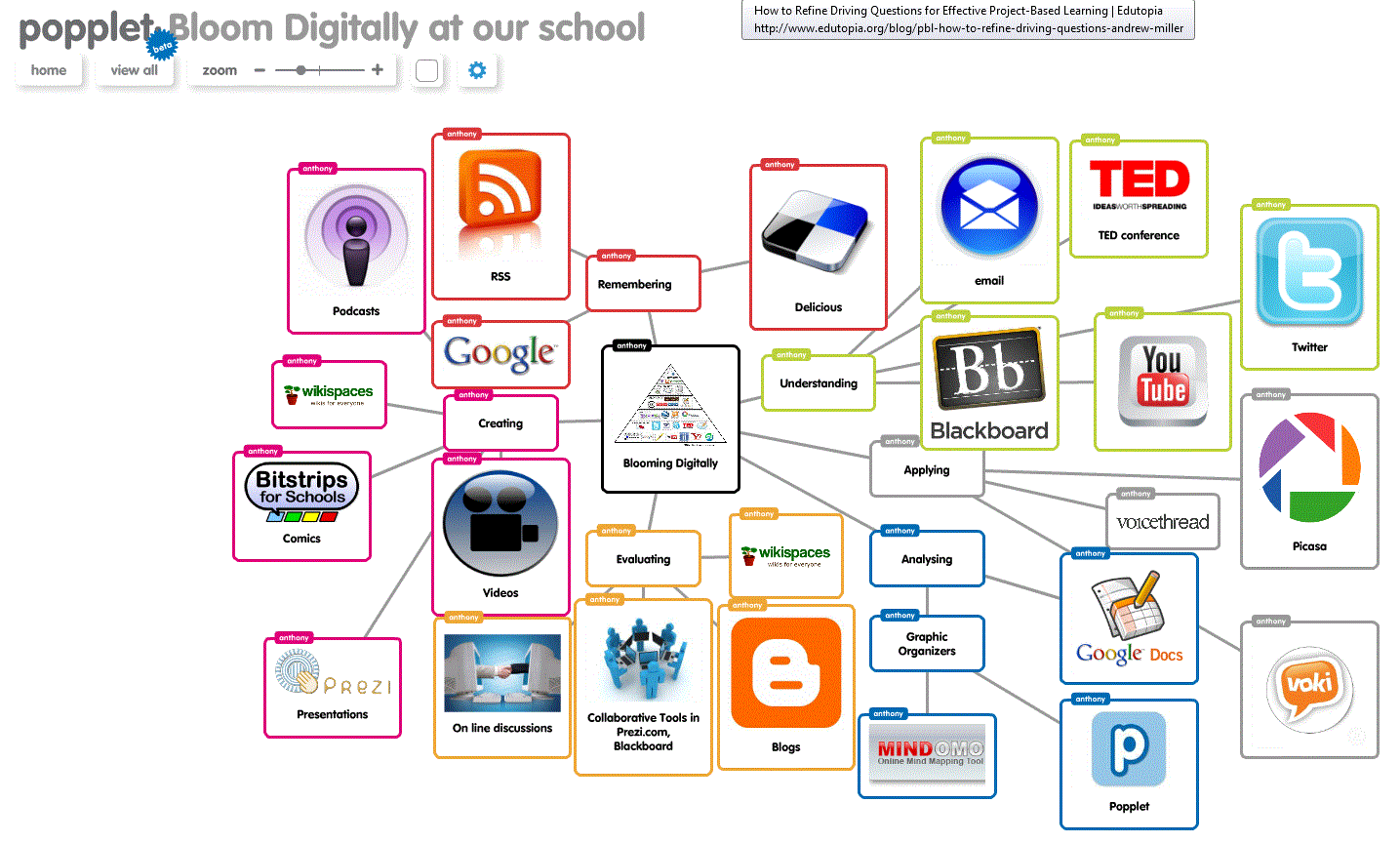
1. Popplet – a Prezi-like graphic organizer and mind-mapping tool that is an excellent platform for students to demonstrate their learning. The presentation mode is similar to Prezi and useful for students to present their ideas in larger maps. Students must create an account to save their maps. Files can be shared as images files (.jpg or .gif) or embedded into a website or wiki.

Continue reading

Bitstrips for Schools!

This Bitstrips for Schools is an incredible resource for creativity, content creation and collaboration for students. Over 1000 comics, projects and countless characters have been shared, commented upon and enjoyed by our community in this safe and educational rich site. Each comic tells a story better than my text so here are a few projects…

Grade 4: Identifying and Solving Cyberbullying 1

Continue reading

The 30 day Teacher Challenge

This 30 day teacher tech challenge is a pretty good list of free and useful educational apps for teachers and their students.
http://teacherchallenge.edublogs.org

So far I am already using #1 – Wallwisher, #3 – Bitstrips for Schools, #7 – Kerpoof, #11 – Skype, #12 – Animoto,
#13 – VoiceThreads (although not free for students), #17 – DropBox, #18 – Jing, #19 – Audacity and #22 Little Bird Tales,

Want to investigate: #4 – Classtools.net, #5 – Edmodo, #6 – DoInk, #15 – Livebinders

Top Internet safety videos for classes


Visit my Internet Safety page for details about my course for my Grade 5 students as well as useful links for educators and parents.

Here is a sample playlist of some internet safety videos for class discussions and activities.
http://www.youtube.com/p/1D0ED658FC5B0A56?hl=en_US&fs=1

My top 3 sources and tips for instructional videos in the classroom

Strategic use of short instructional videos is an effective way to enhance lessons and learning for digital kids and 21st century students. I currently use Jing to create .swf files and the SMART recorder (part of SMARTnotebook download) to create .wmv files for YouTube uploads.  A quick video can be a useful way to “chunk” a list of instructions together.

In my techie world, videos help primary students when saving and are a vital strategy to keep this assessment-driven teacher happy (and organized!) In addition, I recently viewed a video on creating on-the-fly assessments for students using SMART response “clickers” which I think is a slick way to elicit student response and “check in” with them during videos. As a general rule, I tend to find that videos less than three minutes are best, perhaps with the option for some students to review at own pace, or even beforehand.
Continue reading

My 2 favourite web reading apps

http://www.tagbanger.com/archives/gifts/Sorry bookshelves, (and all the books, DVD’s, magazines…) 2009 seems to be your year of obsolescence! The  iPad has very quickly become my ultimate reading device. With access to content to books, articles, magazines and web sites, it has replaced paper versions of all of them. Apps like Flipboard and Zite are also an excellent way to “consume” articles, tweets, RSS feeds and a variety of posts on specific topics that interest me.
Continue reading

Welcome!

In this professional blog, my goals are to:

  • highlight and review technology that is fun and teaches children to be positive, intelligent and conscientious global citizens.
  • share my experience and perspective as a technology teacher for primary students for over 10 years and self-professed geek Dad of a pre-schooler and a kindergartener, to find teaching practices, lessons, and devices that positively influence their life and learning
  • collaborate and learn with colleagues wishing to integrate technology into their curriculum and extend my PLN globally

I look forward to your comments, discussions and collaborations!

Thanks for your visit.

Anthony

You can contact me at:

http://anthonychuter at hotmail.com

gplus.to/anthonychuter
http://twitter.com/anthonychuter

http://ca.linkedin.com/in/anthonychuter
http://delicious.com/anthchuter
http://www.youtube.com/user/anthchuter